A simulator for practising trading decisions
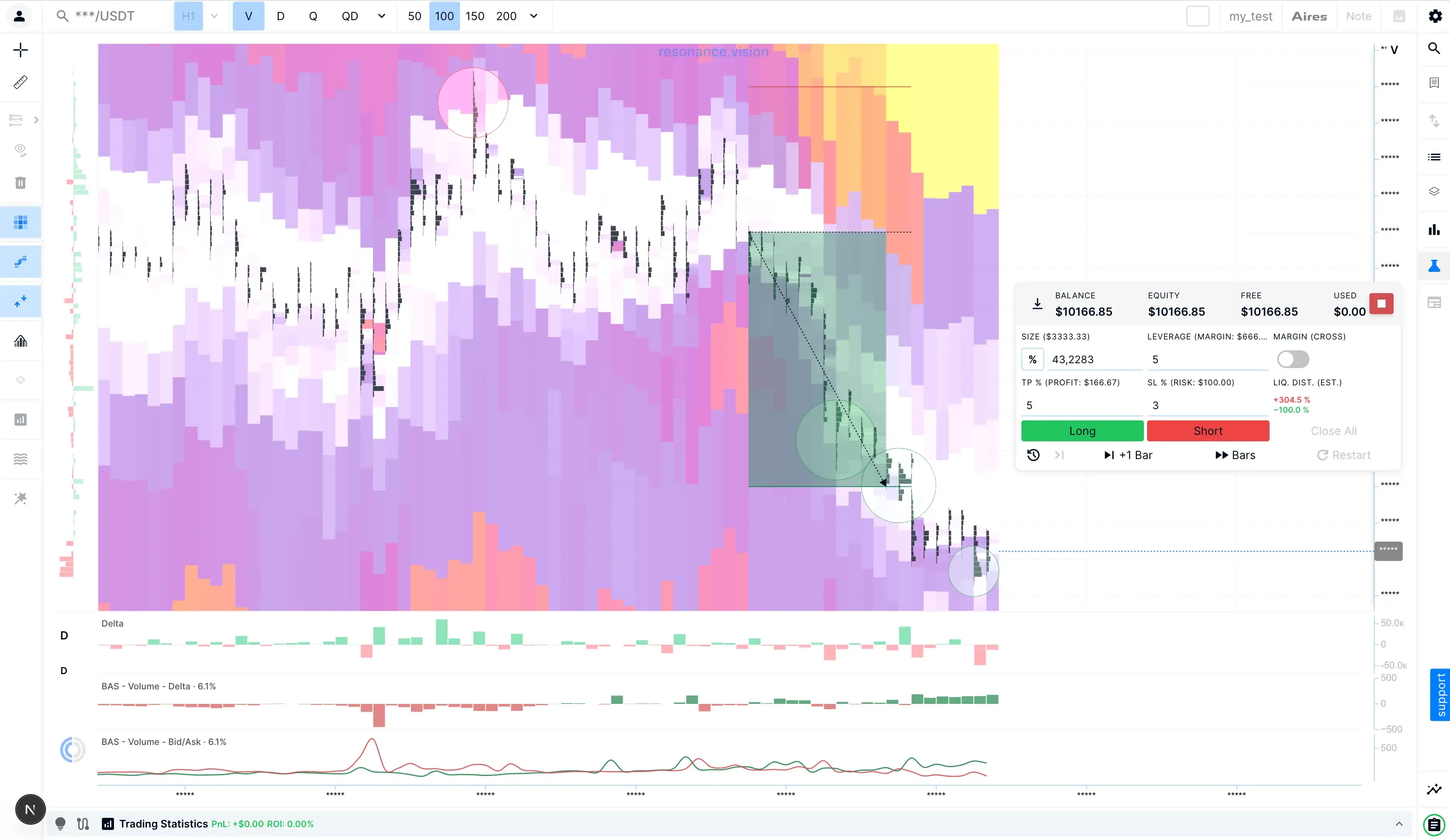
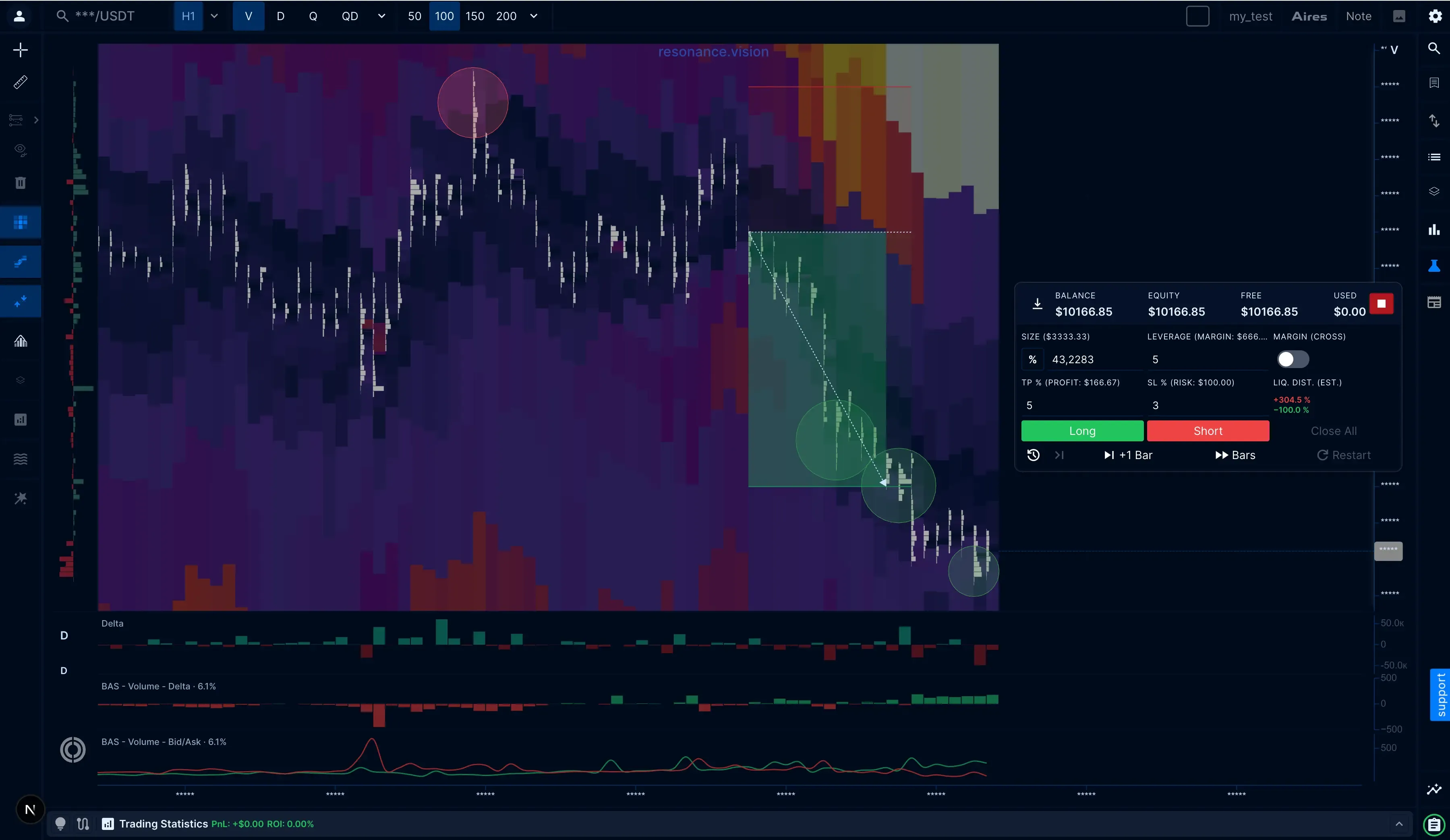
Practice crypto trading on real historical market data. The Resonance crypto trading simulator places you in a random market scenario where the next price move is still unknown.
Analyze the market, open and manage virtual Long or Short positions, define your risk, and see how each decision plays out as the market unfolds.
After each simulation, review your trades and performance statistics to spot recurring mistakes, recognize decision patterns, and refine your trading process — without putting real funds at risk.
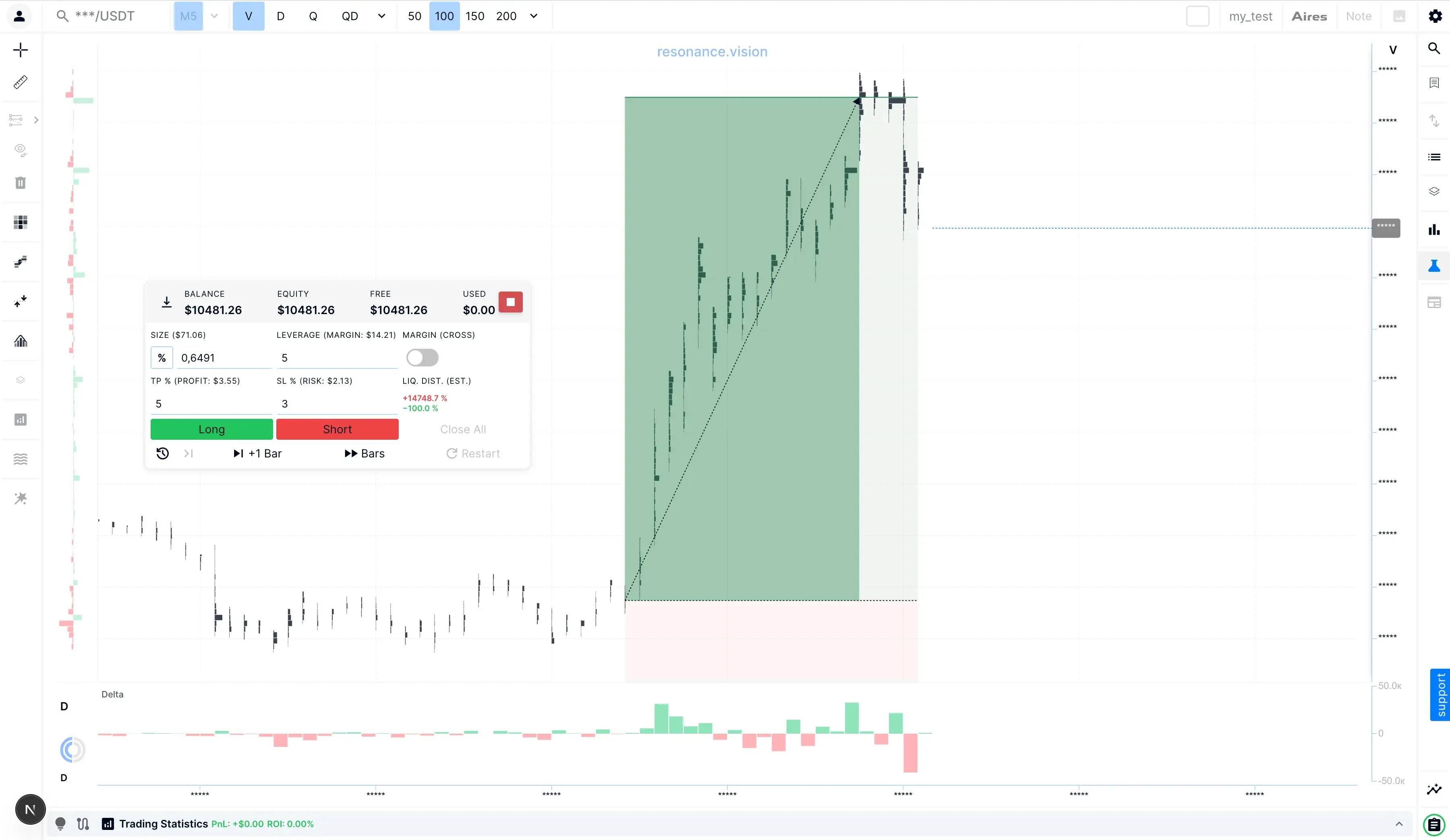
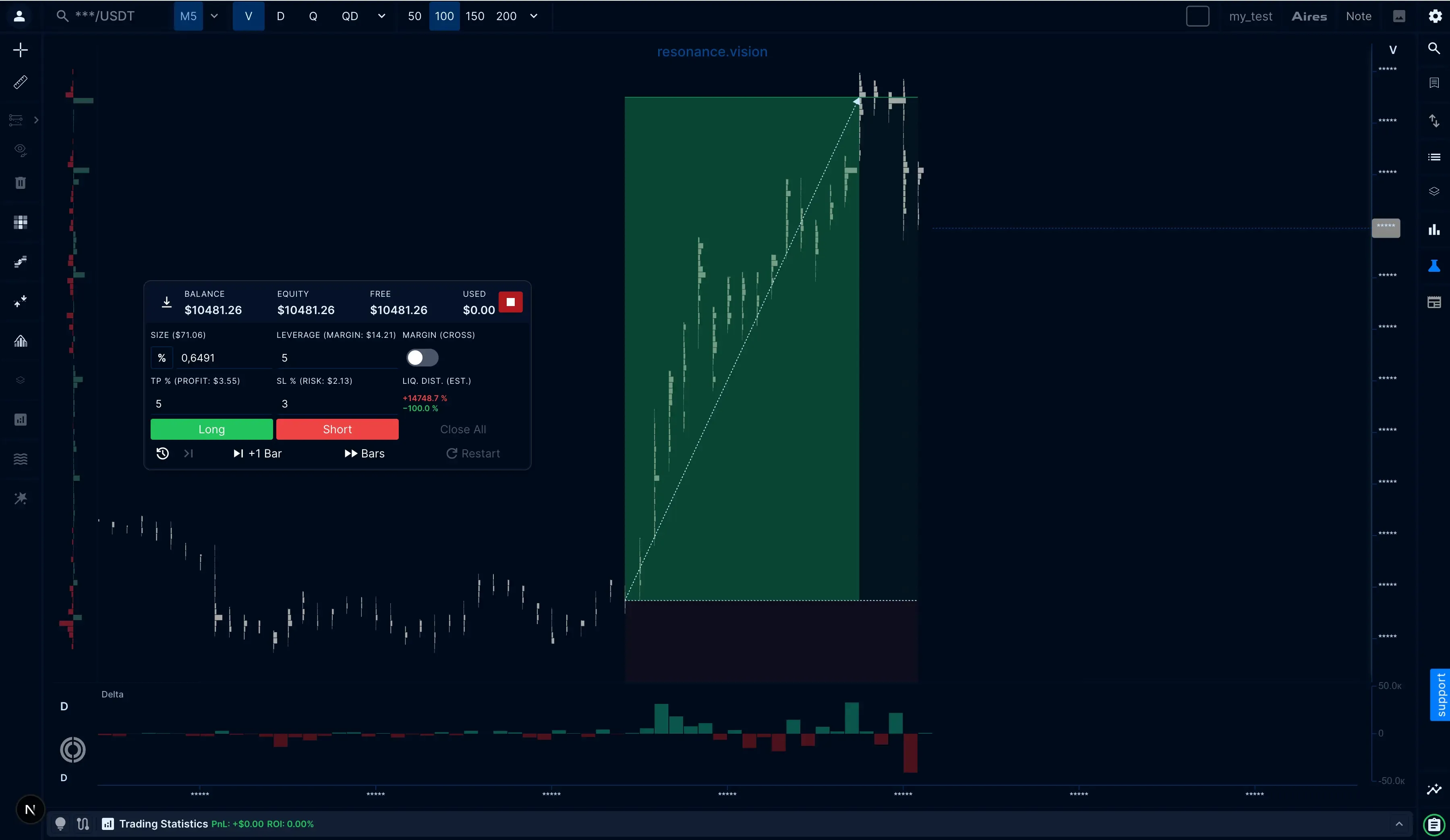
- Real Historical Market Data
Practice on real crypto market history
- Virtual Positions
Trade Long or Short and manage risk
- Performance Analysis
Analyze trades and spot patterns
The Missing Step Between Learning and Live Trading
Learning how markets work is only the first step. The harder part is making and managing decisions while the outcome is still unknown.
- Knowing the outcome changes the judgement
On a completed chart, the full move is already visible. Entries and exits look clearer because the uncertainty has already disappeared. Looking back can help explain what happened, but it cannot recreate the conditions in which the original decision had to be made.
- Practice needs an environment without ready-made answers
In the moment, you have to work only with the information available at that time. You assess the market, decide whether there is a trade, define risk, and respond as the situation develops — before you know the result.
- Turn Knowledge Into a Repeatable Process
Repeated practice helps you apply your analysis more consistently and see where your decision-making process holds up or breaks down. That is the missing step between understanding the market and acting on your own decisions in live trading.
The Simulator gives you a place to practice trading decisions on historical market data before real capital is at risk.
Each simulation takes you through the full trading decision cycle
- Analyse
Assess the market with the information available.
- Plan the trade
Define the position and set the risk.
- Manage the position
Manage the trade as the market unfolds.
- Evaluate the Result
Review how the trade ended and what it produced.
- Review the Statistics
Use the results to improve your process.
Each simulation gives you a market situation to analyze, trade, and review.
How the Resonance Simulator turns practice into progress
The Resonance crypto trading simulator combines real historical market data, market analysis tools, virtual position management, and performance statistics. Each simulation gives you a new market situation to work through on your own and then review your decisions.
- 1/5
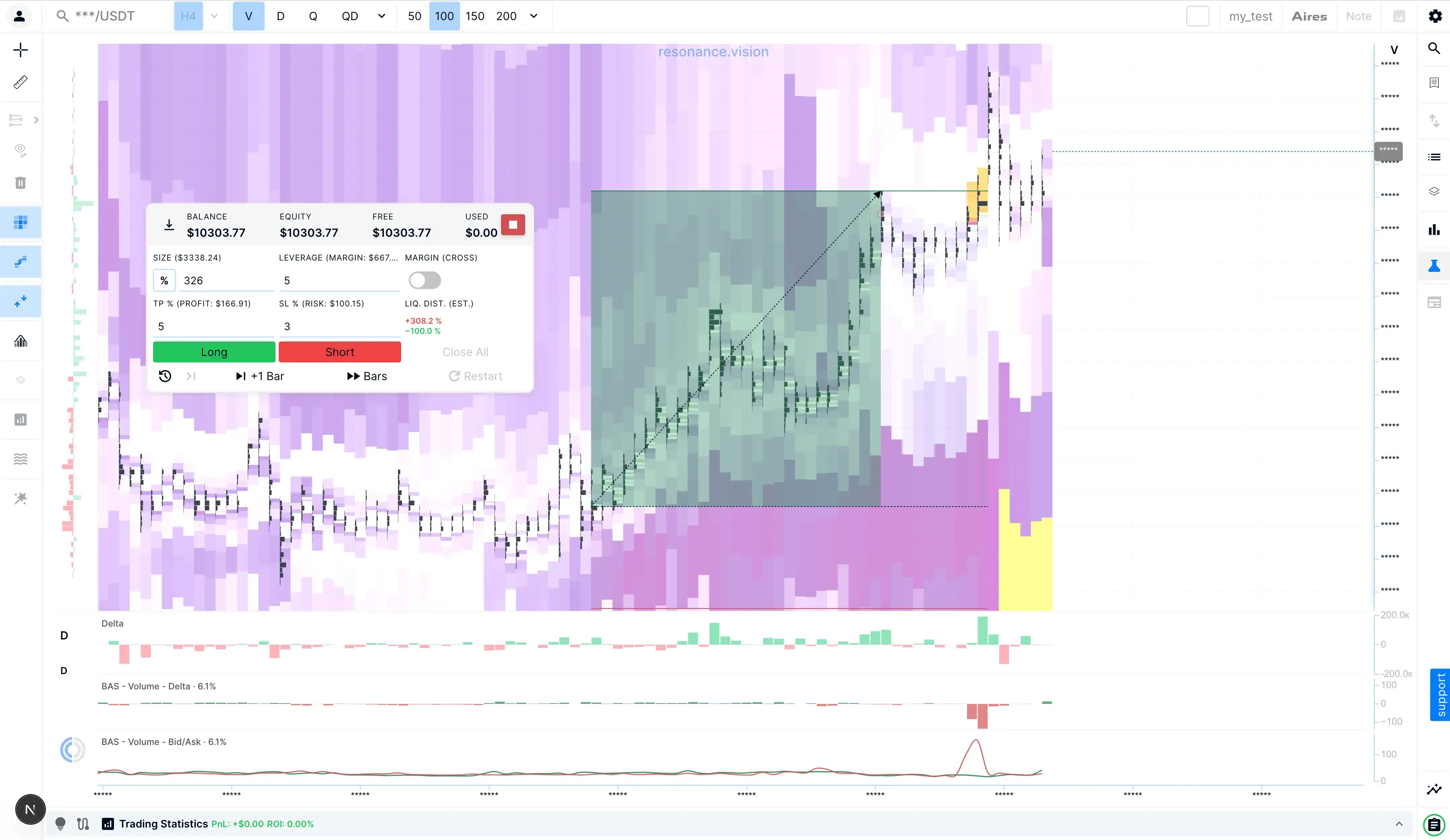
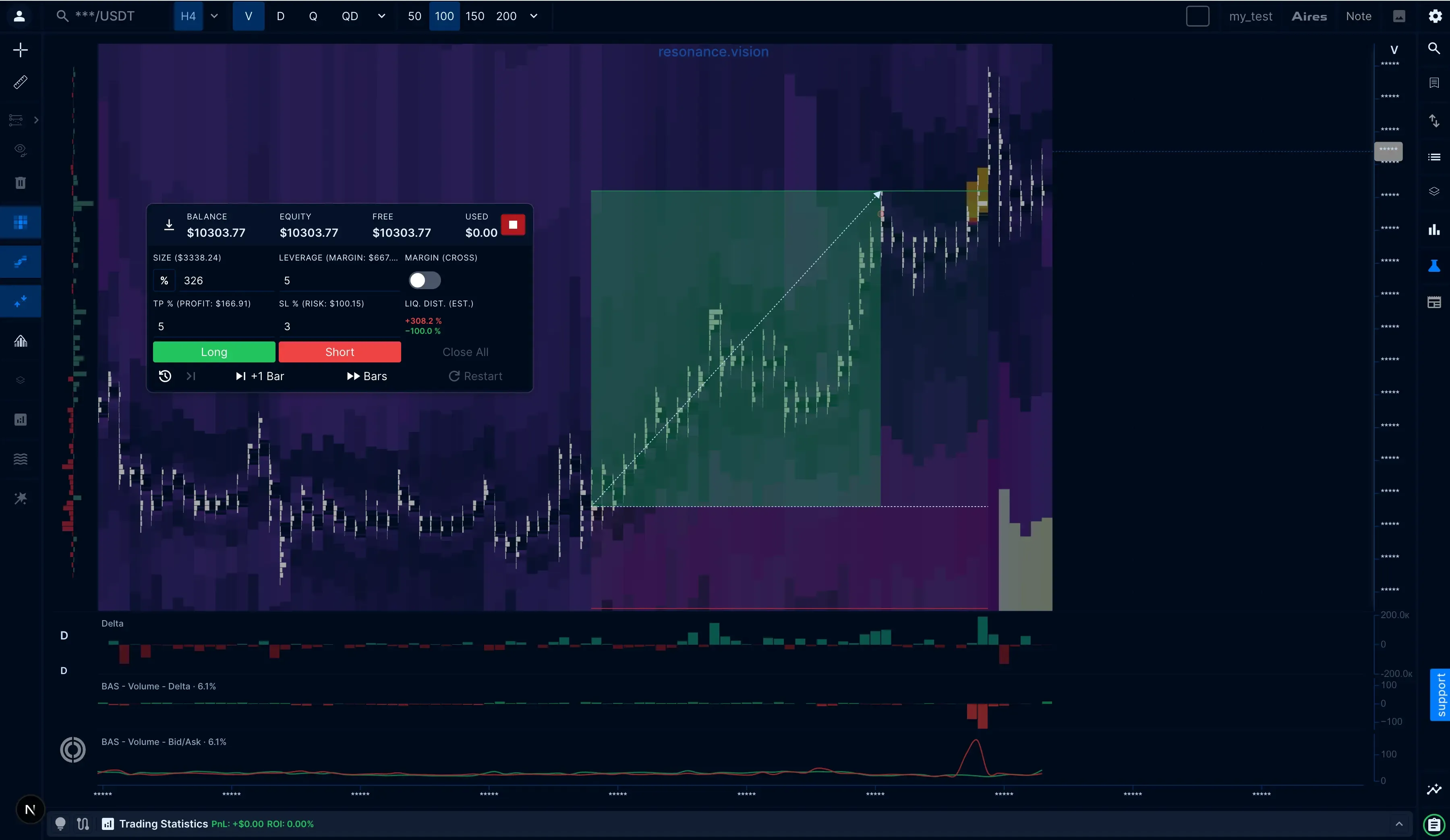
See more than price alone
- 2/5
Practice Without Hindsight
- 3/5
Manage the Trade as It Develops
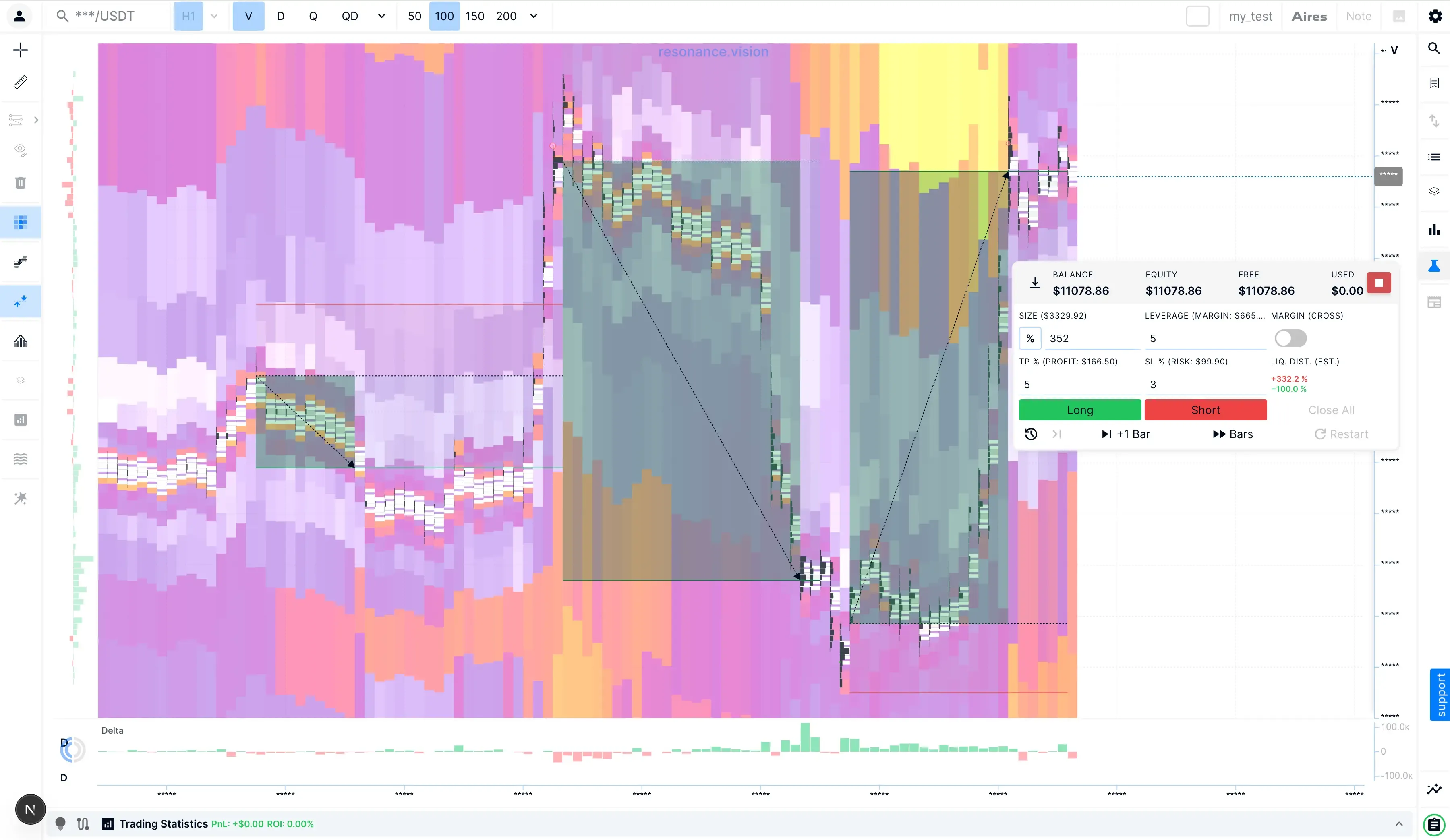
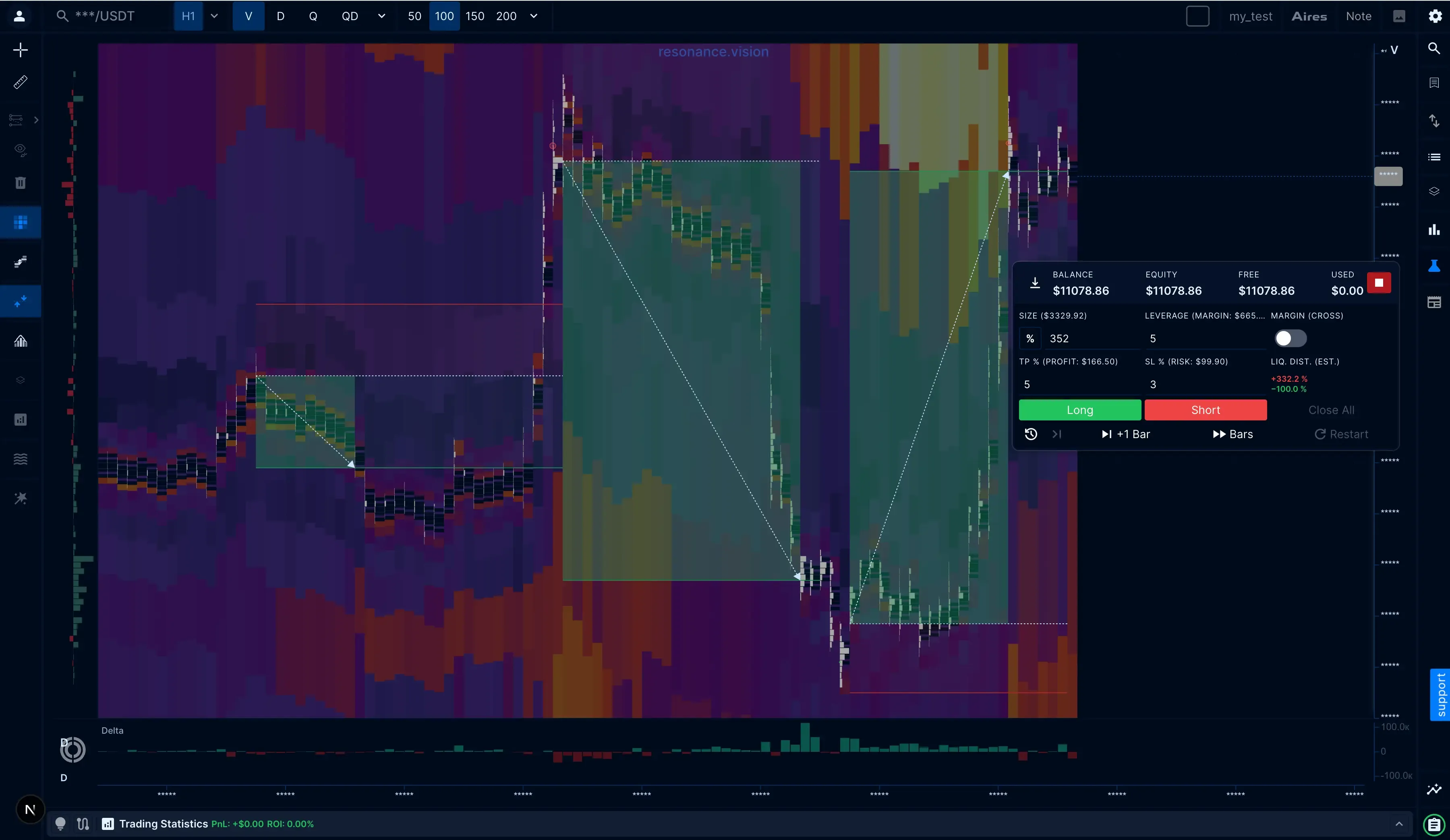
- 4/5
Stay Consistent Across Different Scenarios
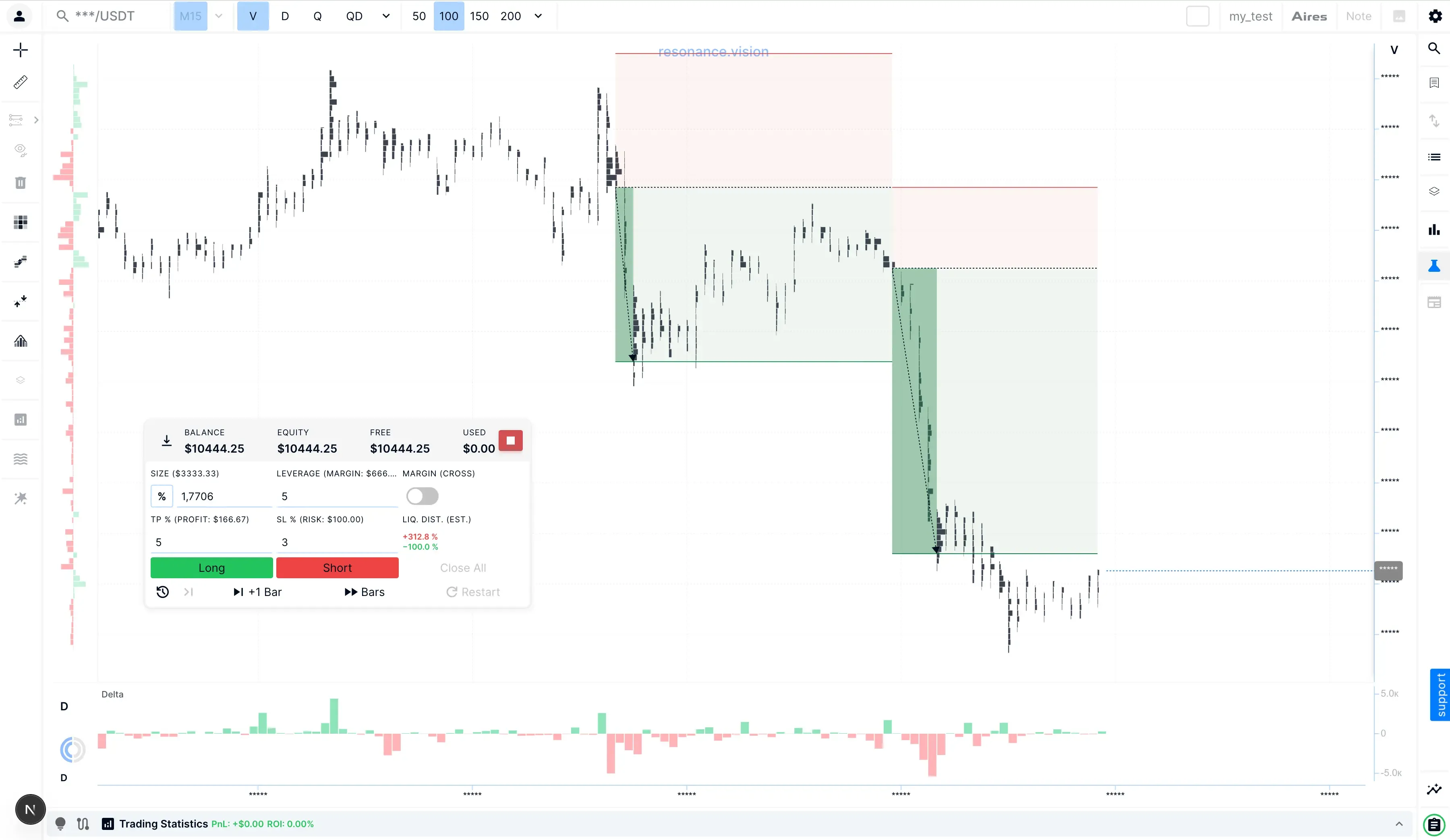
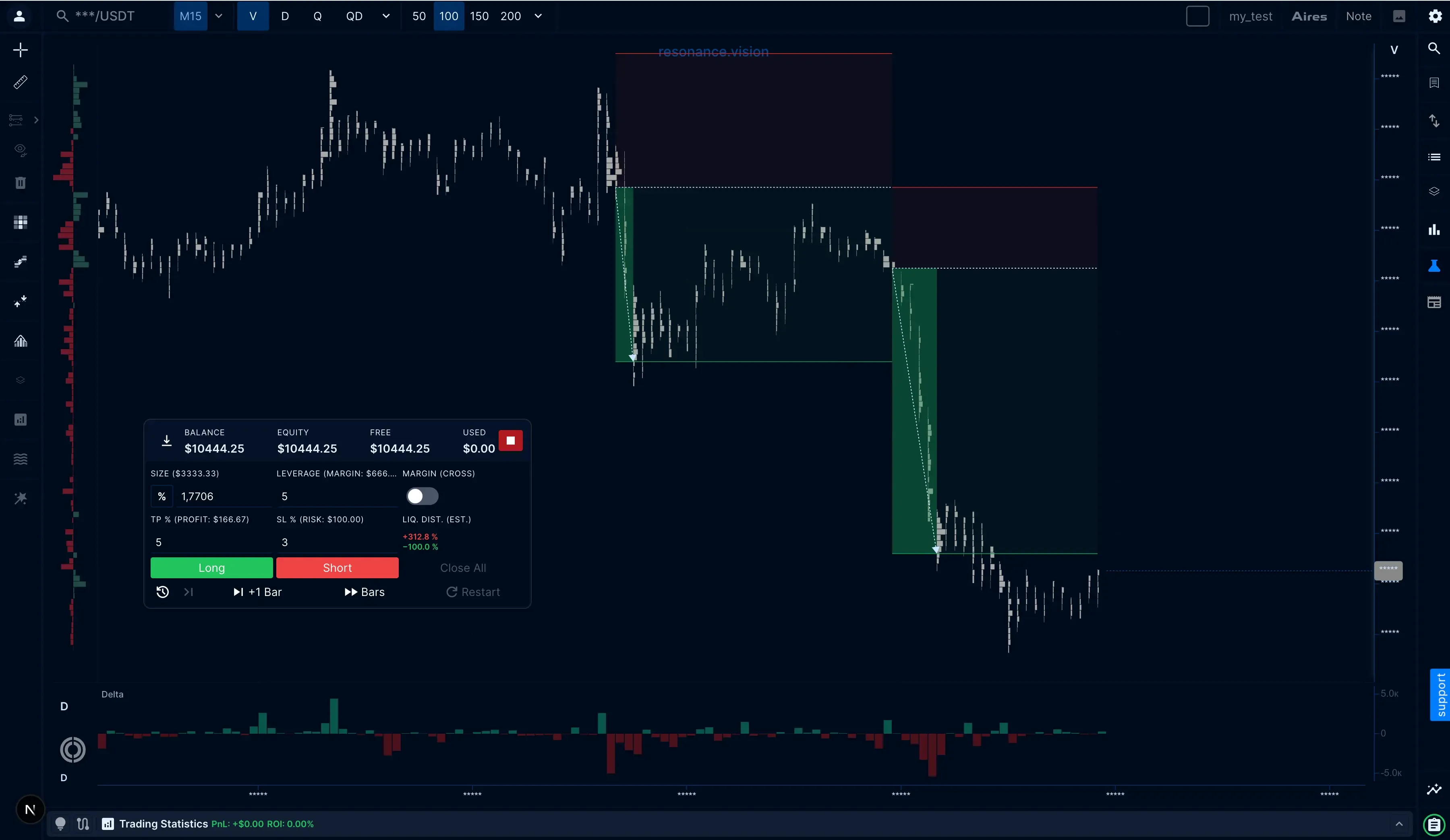
- 5/5
Learn From Repeated Practice
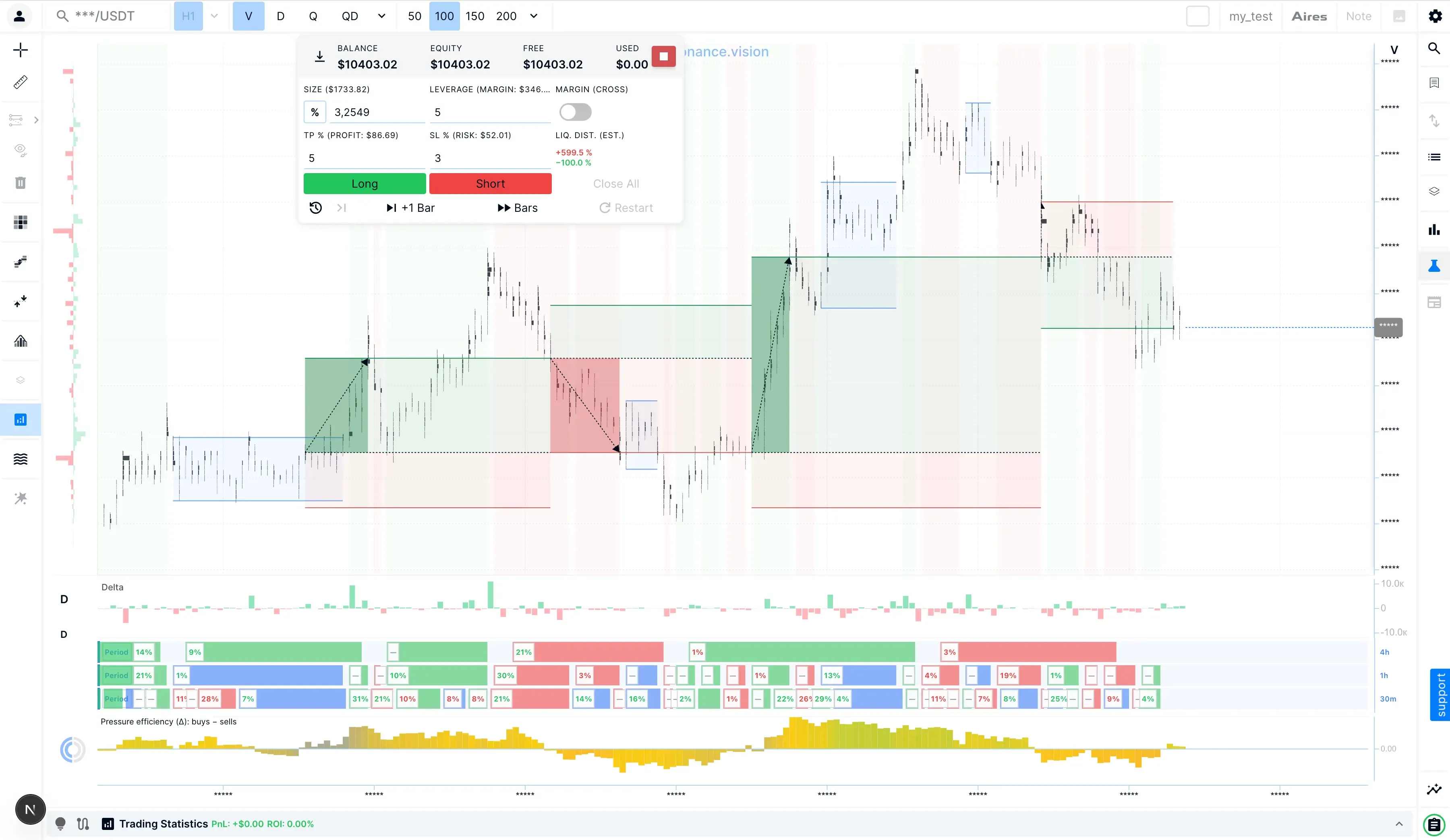
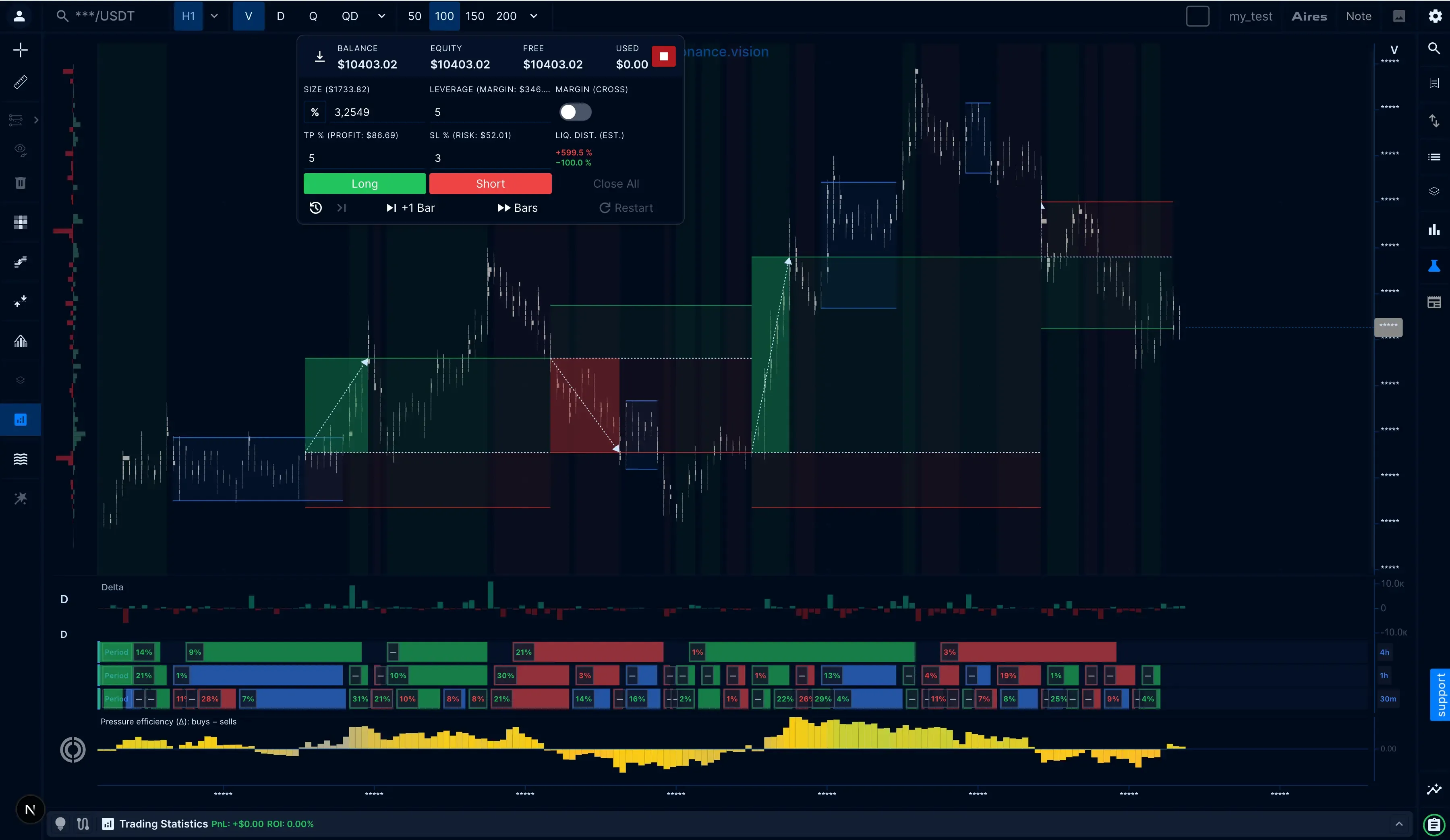
Build the foundation. Add context and depth of analysis
Simulator gives you the core Resonance toolkit for reading price, volume, liquidity, and market structure. PRO adds flow-based context, broader market data, and a longer-term view of your performance. With both Simulator and Simulator PRO, you practice on the same historical market data, use the same position-management tools, and get the same session statistics. The difference is the depth of market analysis available while you practice.
Simulator
Practice with the Core Resonance Analysis Toolkit. Work with real historical market data to analyze the market, plan a trade, manage a virtual position and risk, and review the result.
- Cluster chartsSee volume, delta, and trading activity at each price level.
- Order flow analysisRead executed buying and selling activity inside the market move.
- Limit order heatmapSee where visible limit-order liquidity is concentrated.
- Bid & Ask SumTrack the dynamics of the limit liquidity balance between buyers and sellers.
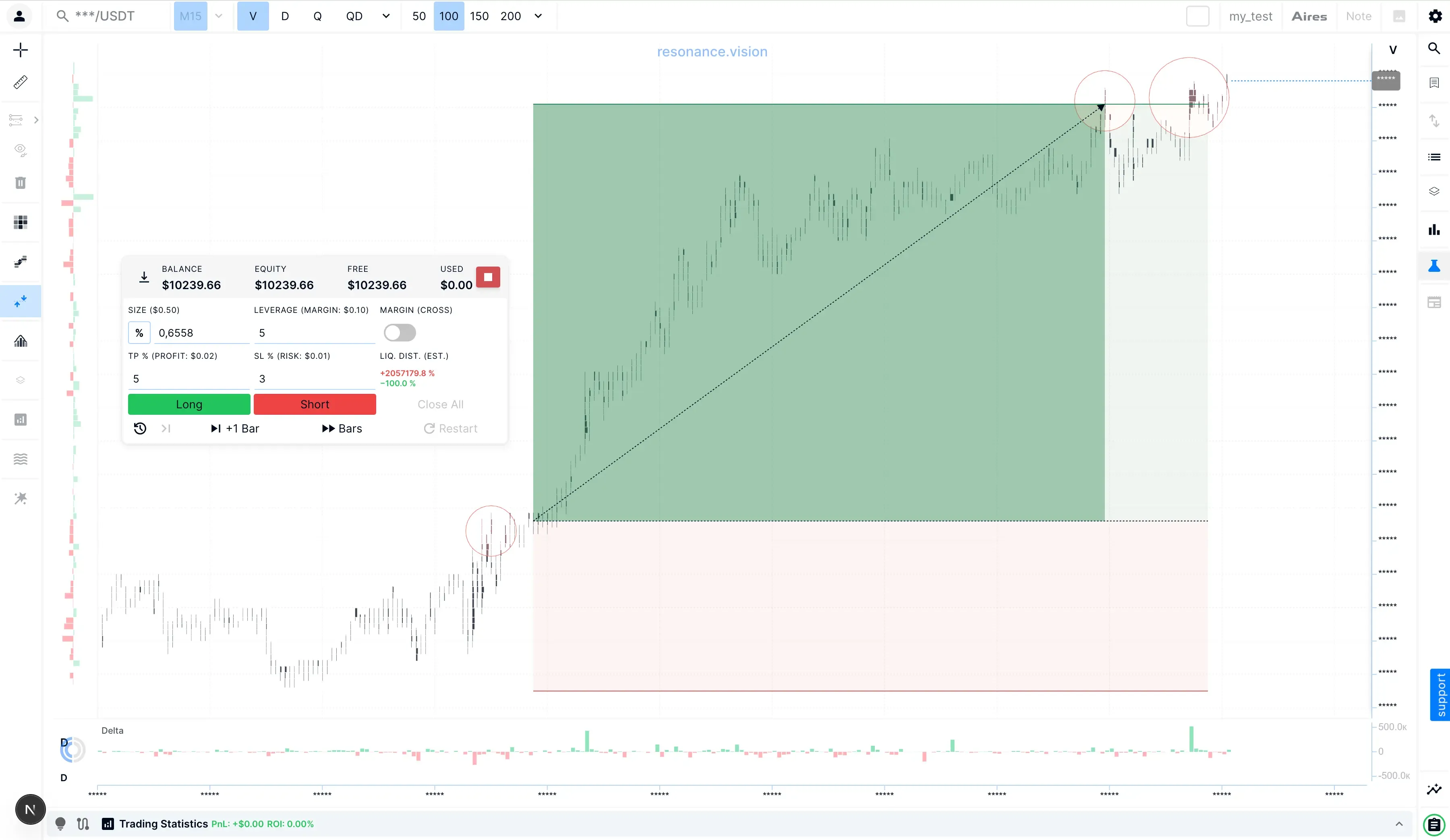
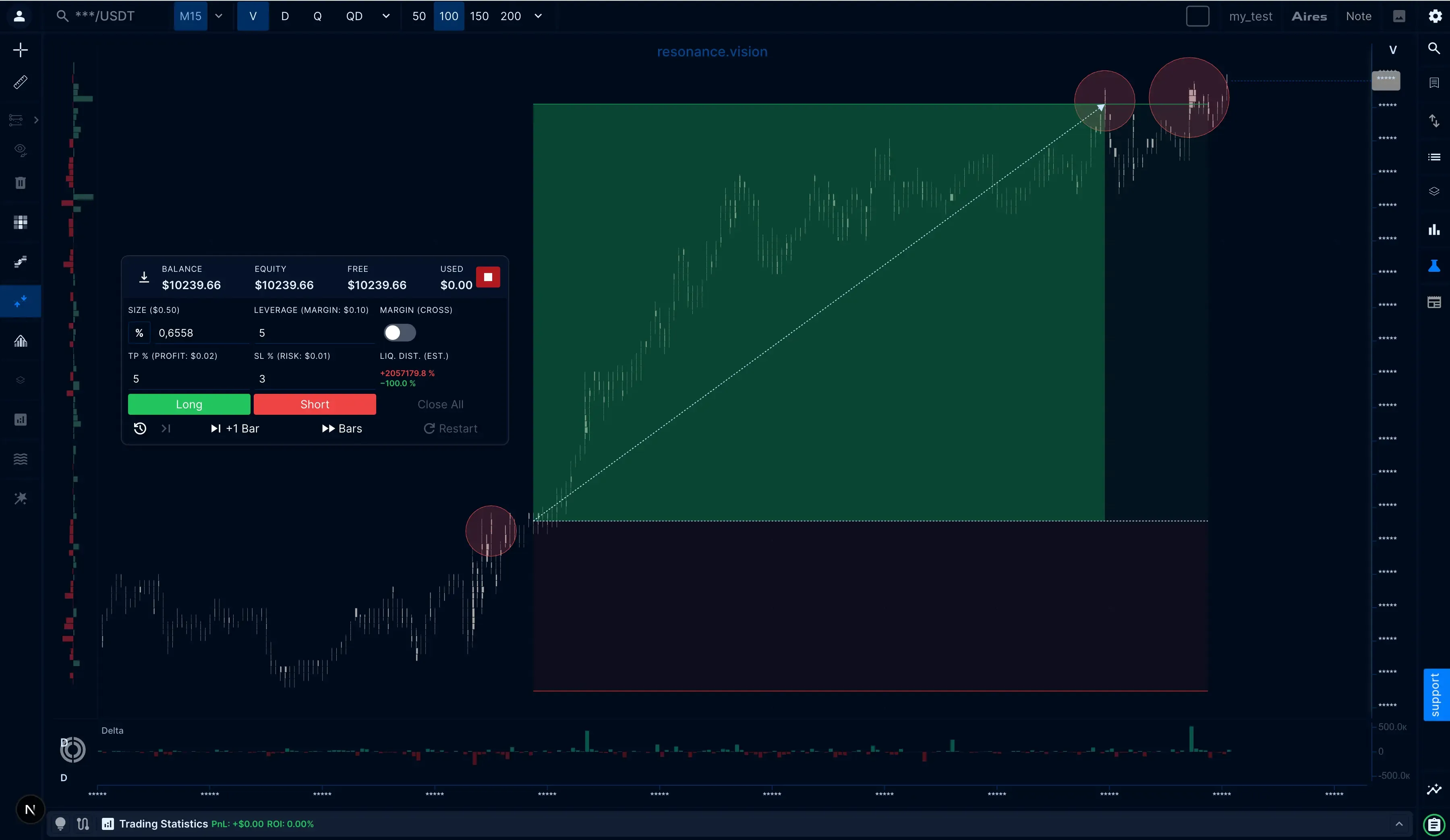
Simulator PRO
Deepen your analysis step by step. Everything in Simulator, plus Market Phases, Trade State, Trade Trust and short-term strategy testing — from identifying the market phase to assessing flow, trust in activity and practicing strategy entries and exits. Statistics across all your completed simulations are also available.
Frequently asked questions about the simulator
Understand how the Simulator works, how it differs from paper trading and backtesting, and which option fits the way you want to practice.
The Resonance Simulator is a practice environment built on real historical crypto market data. Each simulation starts at a random point in market history, so you make decisions without knowing how the next price move will unfold. Analyze the market, open and manage virtual Long or Short positions, and review your results afterward — without putting real funds at risk.
Paper trading and demo accounts typically let you place simulated trades in current market conditions. The Resonance Simulator uses historical market replay instead. You enter a random market scenario without seeing what happens next, then work through it as new price data appears. This removes the hindsight you get from looking at a completed chart.
No. Backtesting applies predefined rules to historical data to measure how a strategy would have performed. The Simulator puts you in the decision-making process. You analyze each market situation, decide whether to trade, manage the position, and see the result only as the replay unfolds. It is designed to practice trading decisions, not to automate strategy testing.
Yes. You can apply your own setup criteria, risk rules, entry and exit logic, and position-management approach to different historical market scenarios. The Simulator does not tell you what to trade or validate a strategy for you. It gives you an environment where you can practice applying your own rules consistently when the outcome is still unknown.
You can analyze the market with Resonance tools, choose whether to go Long or Short, set position size and leverage, define Stop Loss and Take Profit levels, and manage a virtual position as the market develops. Afterward, you can review the trade and your performance statistics to see how your decisions played out.
No. The Simulator works with historical market data and virtual positions, so there is no need to connect an exchange account.
No. Simulator access is not limited by a calendar period. Your unused simulation launches remain available until you use them.
No. Simulator and Simulator PRO are separate from the main Resonance Zero, Basic, and Pro plans. Each Simulator package includes 500 simulation launches. A launch is used when you start a new random simulation, and unused launches do not expire.
Ready to move on to independent practice?
Move from step-by-step scenarios to independent practice on real historical market situations. Open positions, manage risk and analyse results in the Simulator.
- Practice with Examples
Ready-made examples and assignments are available right after registration.
- No Expiry
Launches never expire — use them whenever it suits you.
- Full Trade Cycle
Analyze, enter a trade, manage the position and review the result.
Simulator statistics reflect practice results and do not guarantee a similar outcome in real trading.