What Counts as One Trading Simulator Launch
Learn what counts as one Trading Simulator launch, when a launch is deducted, what happens when you run out of launches, and how Simulator and Simulator PRO launches are used.
Table of contents
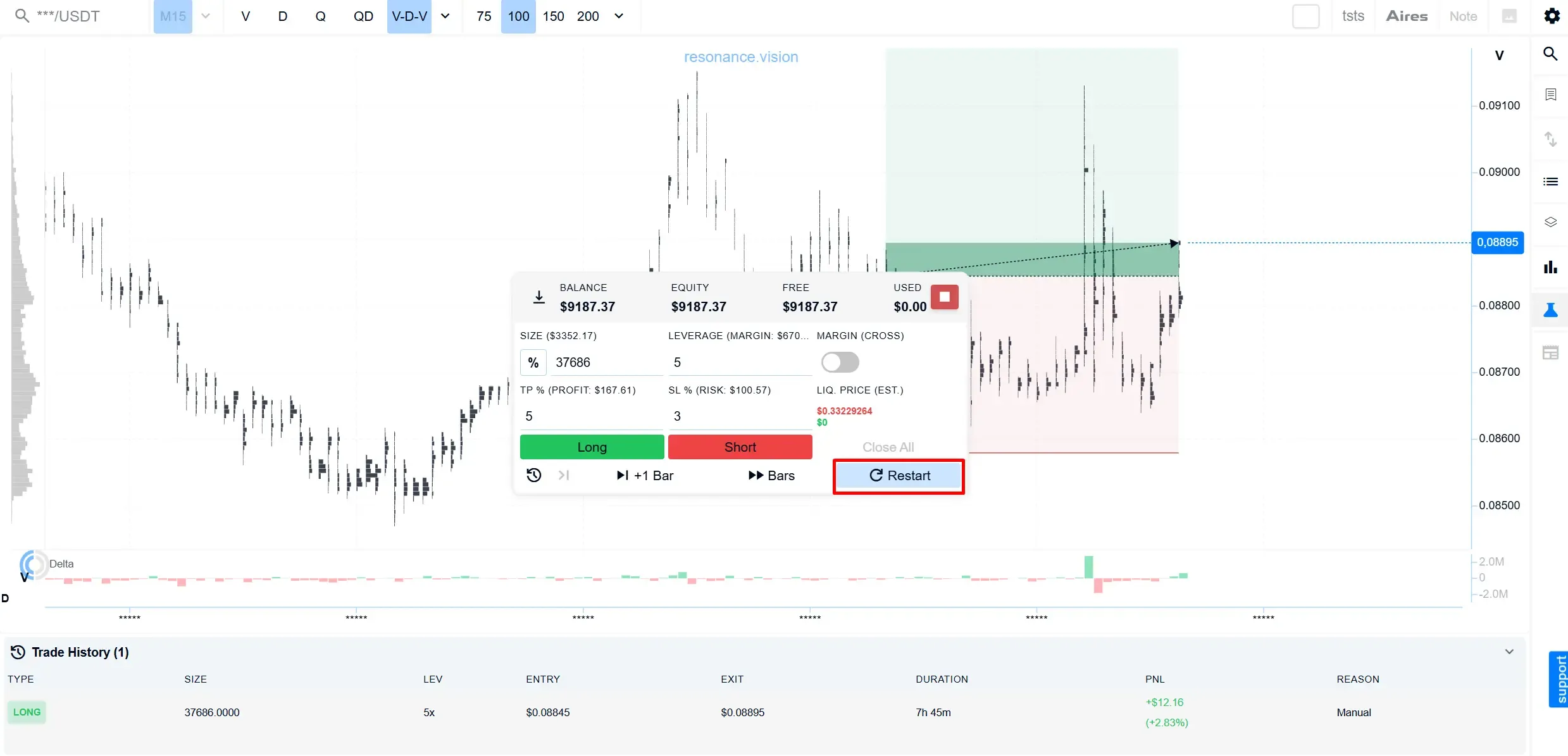
One launch means one new Trading Simulator simulation. Each time you start a new random simulation or restart a simulation that is already running, one launch is deducted from your package. Continuing the same simulation does not use an additional launch. Onboarding and Homework do not use Simulator launches.
When Is a Launch Used?
| Action | Does it count as a new launch? |
|---|---|
| Starting a new random simulation | Yes |
| Restart / starting a new random simulation | Yes |
| Cancelling the current simulation and starting a new one | Yes |
| Continuing an existing simulation | No — as long as you continue the same simulation |
| Onboarding | No — this is a separate activity and does not affect the launch counter |
| Homework | No — this is a separate activity and does not affect the launch counter |
A launch is therefore not a single trade, an individual Long or Short position, or a specific amount of time spent in the Simulator. A launch is used when a new random simulation is created.
If you continue working within the same active simulation, opening and closing trades as you go, no additional launch is deducted, regardless of how long you spend on that simulation.
For information on where to find the Restart button and other controls, see Trading Simulator: Interface Tour.
One important point: once a simulation has been completed, it cannot be resumed as an active simulation.
What Happens When You Run Out of Launches?
If you have at least one launch remaining when you start a simulation, you can complete that simulation even after your remaining balance reaches zero. The last launch is deducted when the simulation starts, so your balance may already show 0 while the simulation is still active.
Running out of launches does not interrupt a simulation that has already started — you can continue working with it and complete it.
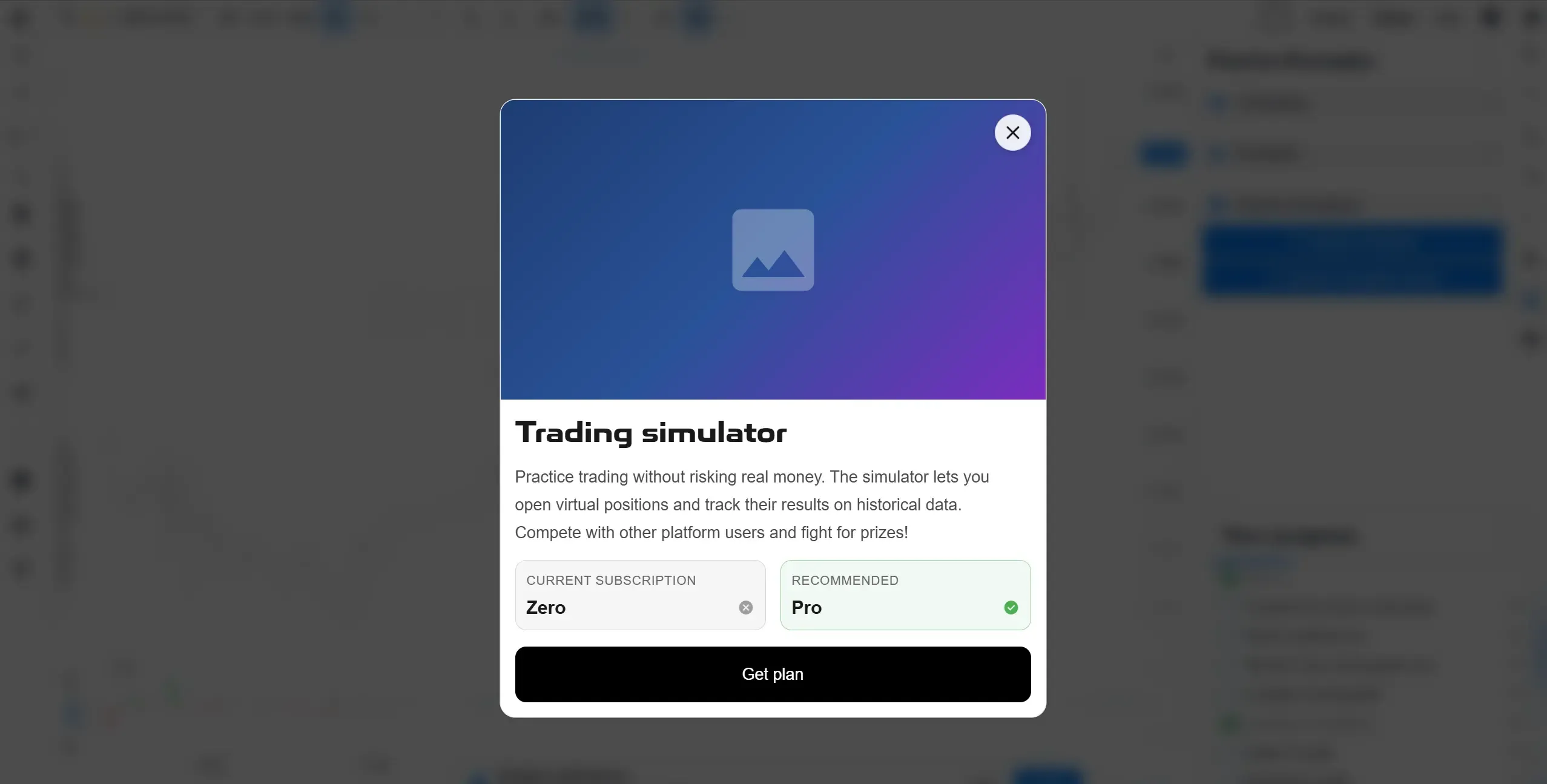
However, once all available launches have been used, you will not be able to start another simulation. The system will notify you that no launches are available and that you need to add more launches before starting a new simulation.
Do Launches Expire?
No. Simulator launches do not have a separate expiry date and do not expire after a certain number of days or months.
Your package gives you a fixed number of launches rather than access for a limited period. As long as you have unused launches remaining, you can use them whenever you choose — all at once or over a longer period.
For the current number of launches included in each package and the latest pricing, see the Plans page.
If You Have Both Simulator and Simulator PRO
If your account has both Simulator and Simulator PRO launches, the system automatically determines which balance is used first:
Simulator PRO launches are used first;
once the PRO launches have been used up, the system starts deducting launches from the standard Simulator package.
You do not need to choose which balance a particular launch should be deducted from. This order applies whenever a new launch is created: when starting a new random simulation, restarting a simulation, or starting a new simulation after cancelling the previous one.
Where to Check Your Remaining Launches
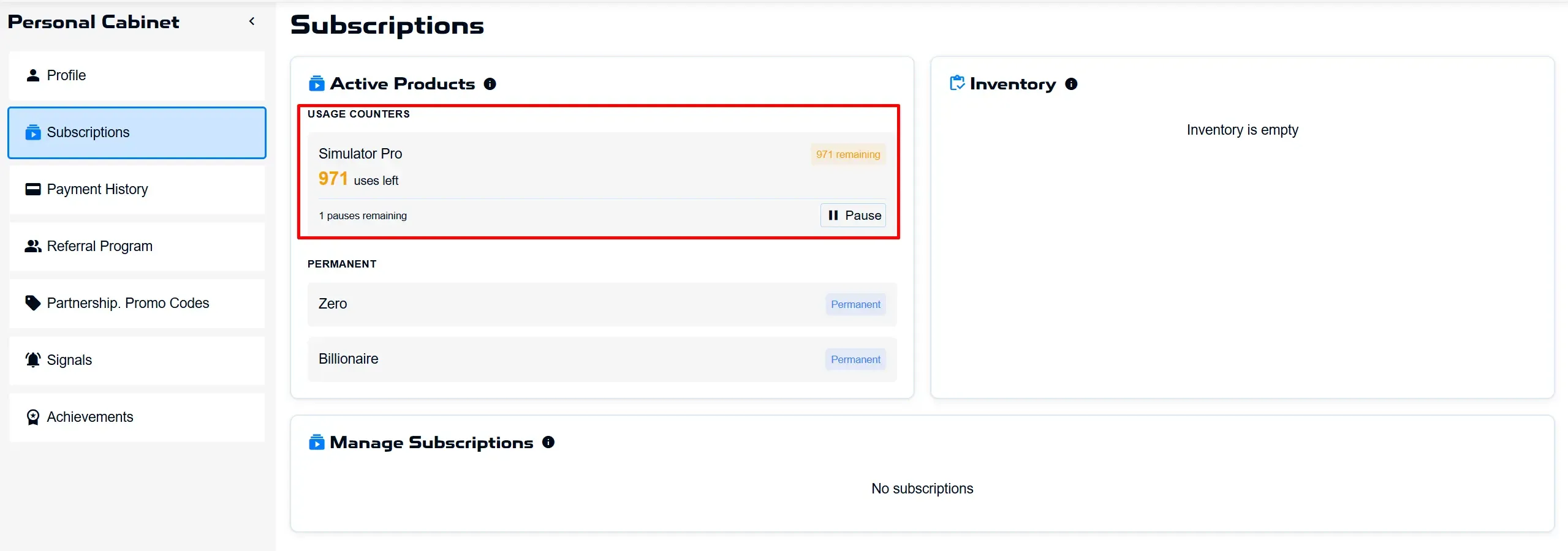
Your current launch balance is shown in your account under the Subscriptions tab.
The remaining Simulator and Simulator PRO launches are displayed separately, so you can check your balance before starting a new simulation.
Follow new insights in our Telegram channel.
There is no need to invent complex schemes or look for the "grail". Use the Resonance platform tools for market analysis and trading practice.
Trading Simulator is a tool for practising trading decisions and analysing simulation results in a simulated trading environment.
Register via the link and explore the Resonance platform:
OKX | BingX | KuCoin.
Promo code TOPBLOG gives you a 10% discount on any Resonance tariff plan.
Recommended articles